I can allocate material towards a sorting facility
Efficiently allocate incoming materials to your sorting facility and split them into multiple new materials within your Jules warehouse system. This process lets you track the full lifecycle of your materials from purchase, through sorting, to preparing for sale or outbound shipment.
Step 1: Start from your purchase order, where you see the material (e.g., Zorba) and the total quantity (like fifteen tons).
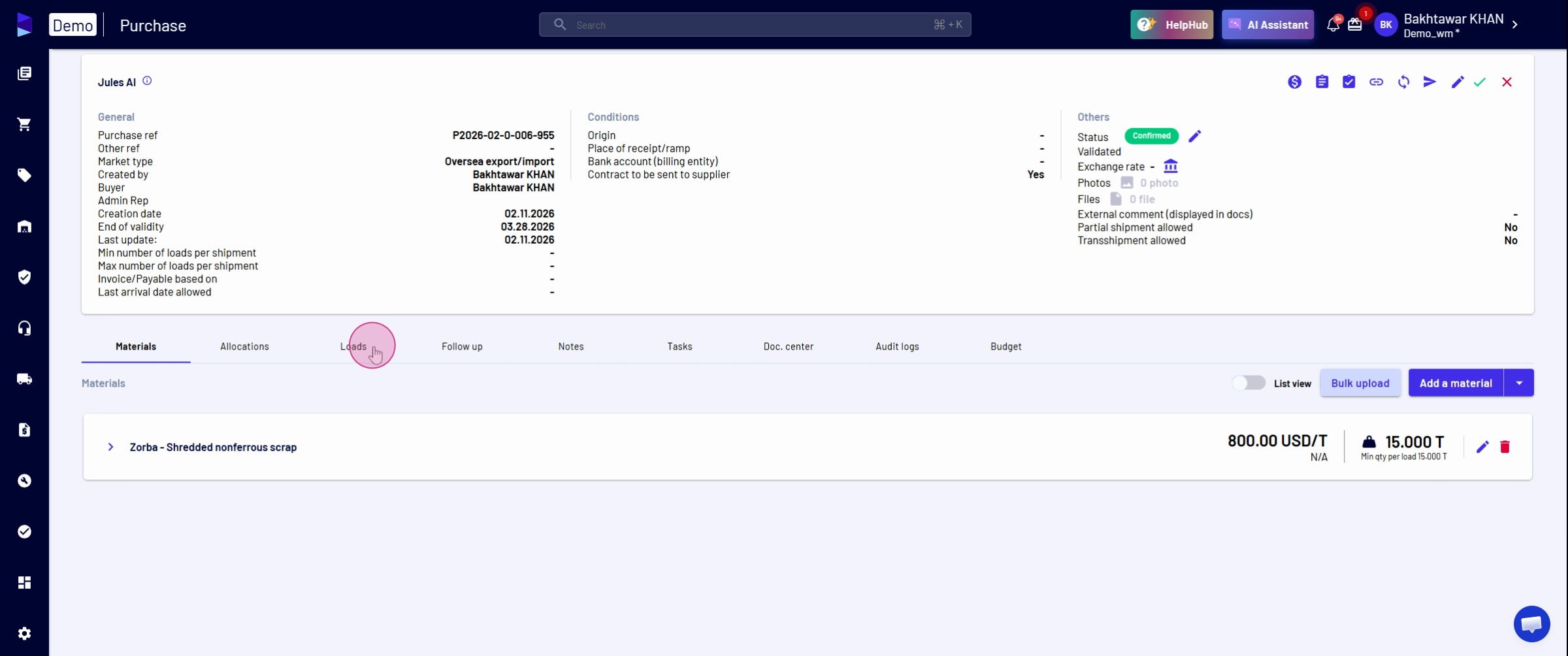
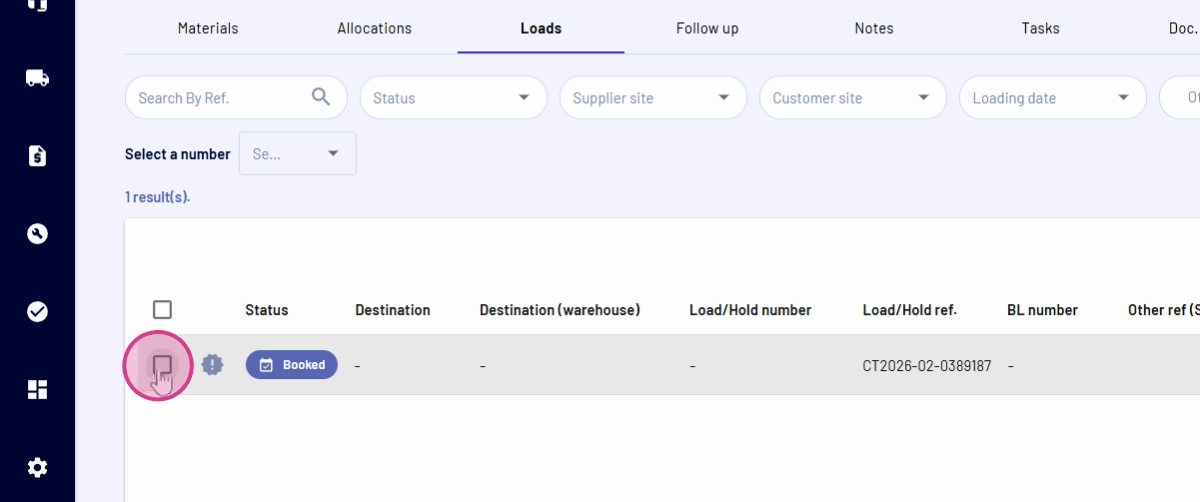
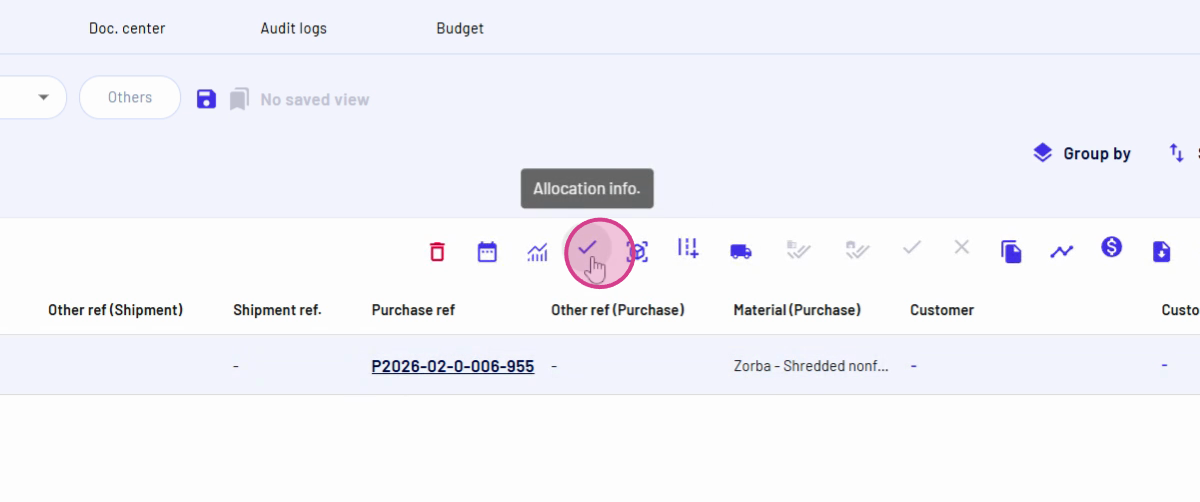
Step 2: Navigate to the Load Stand to view active loads, Select the relevant load. Click on Allocation Information.
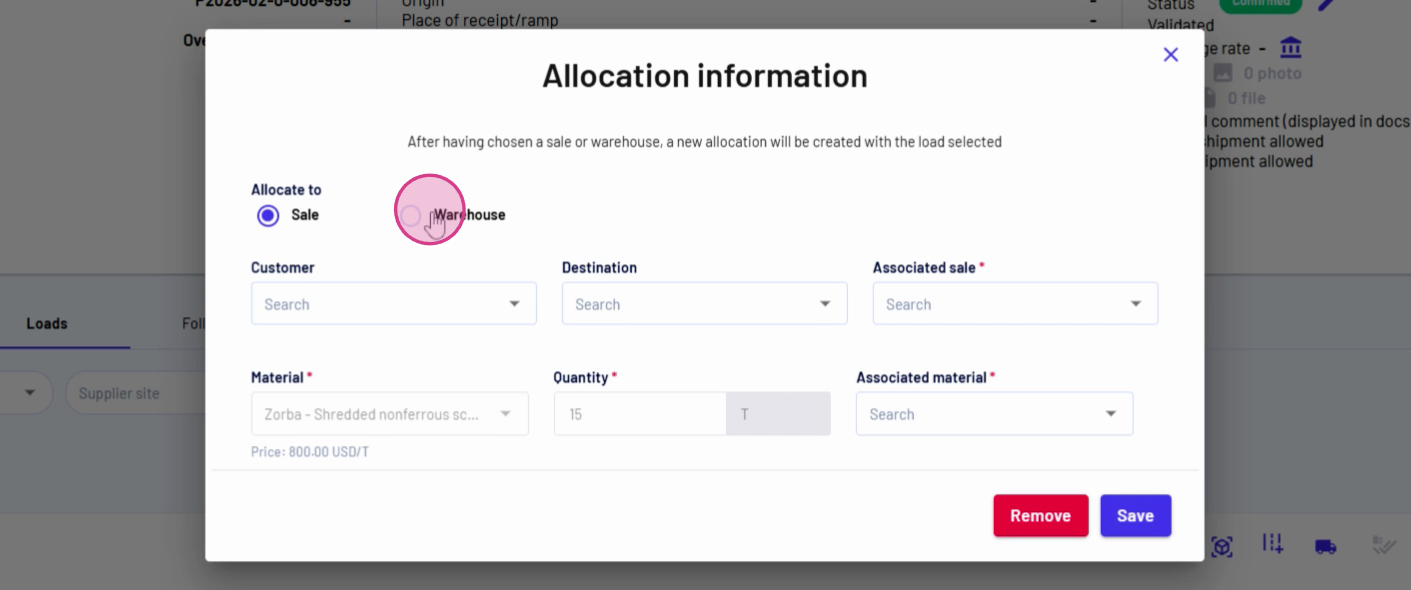
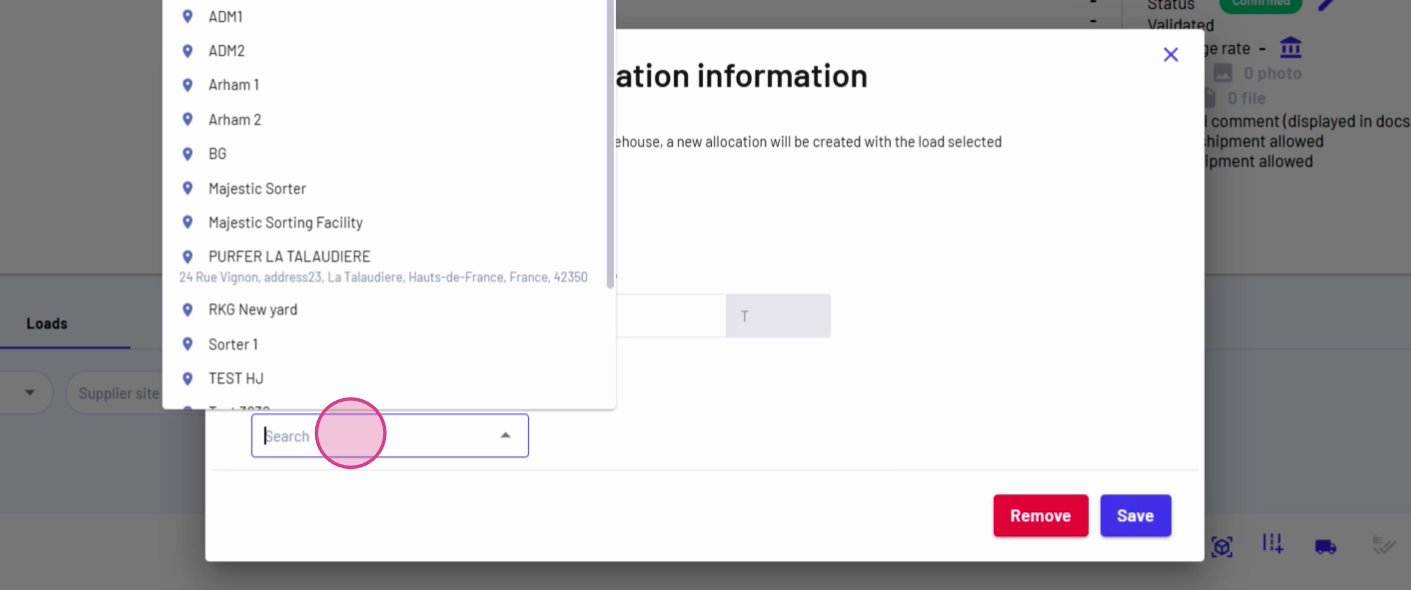
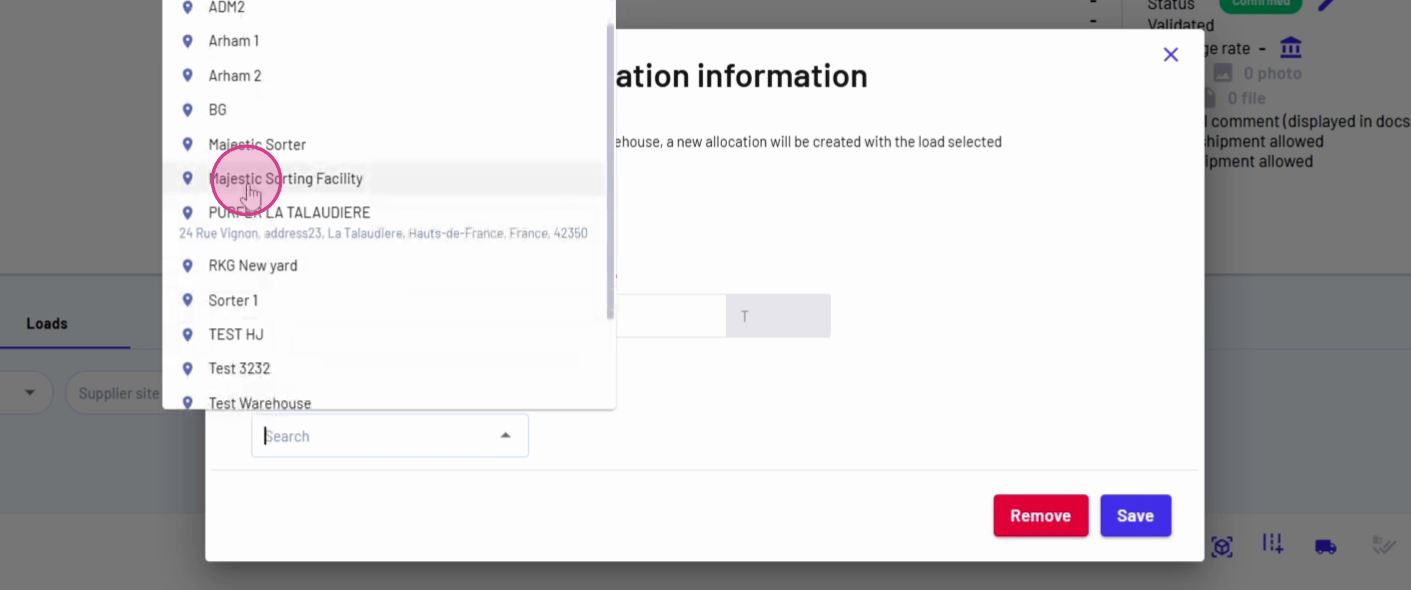
Step 4: In Warehouse, choose the warehouse and assign the Sorting Facility.
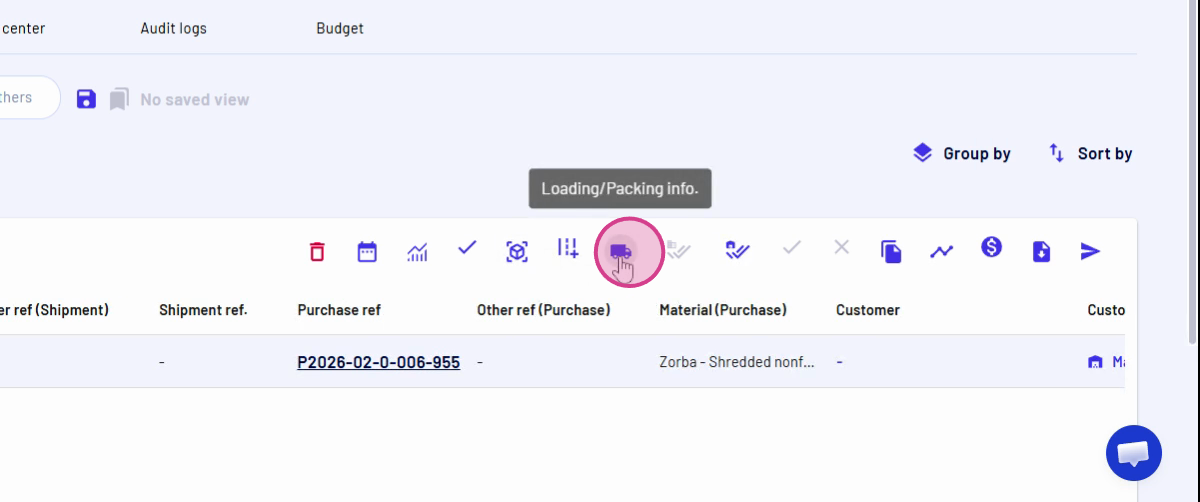
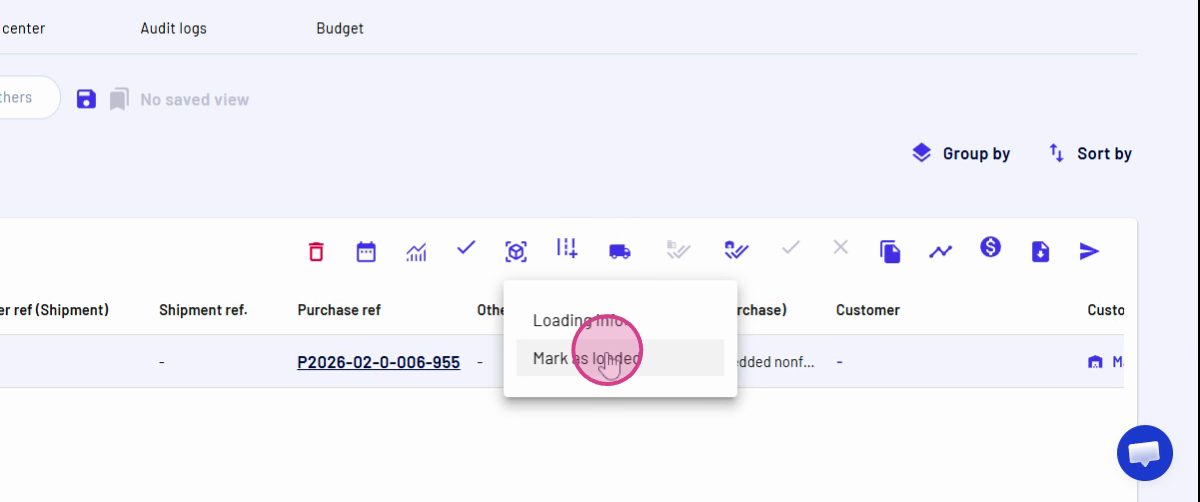
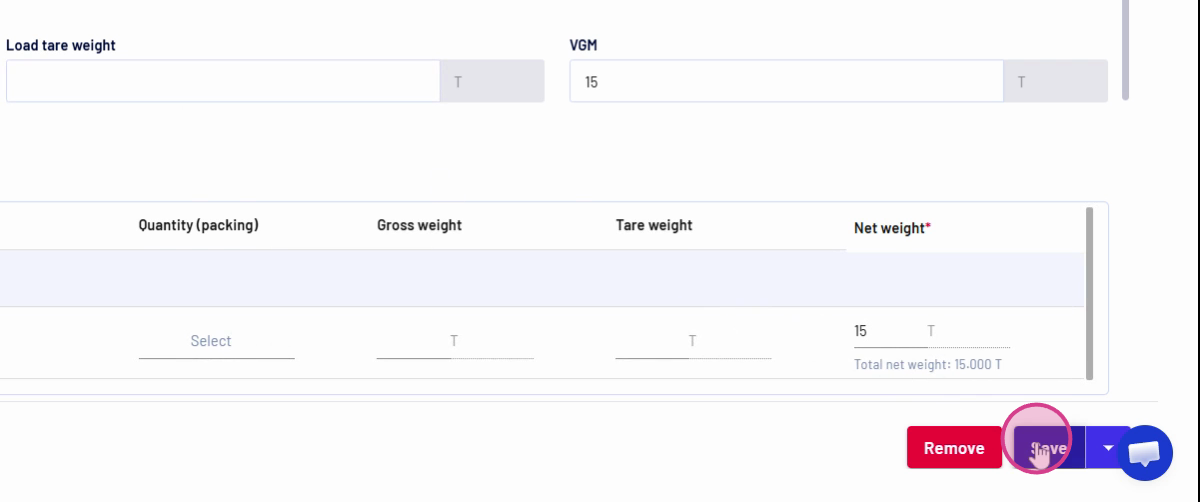
Step 6: Add loading details by marking the load as Loaded and clicking Save.
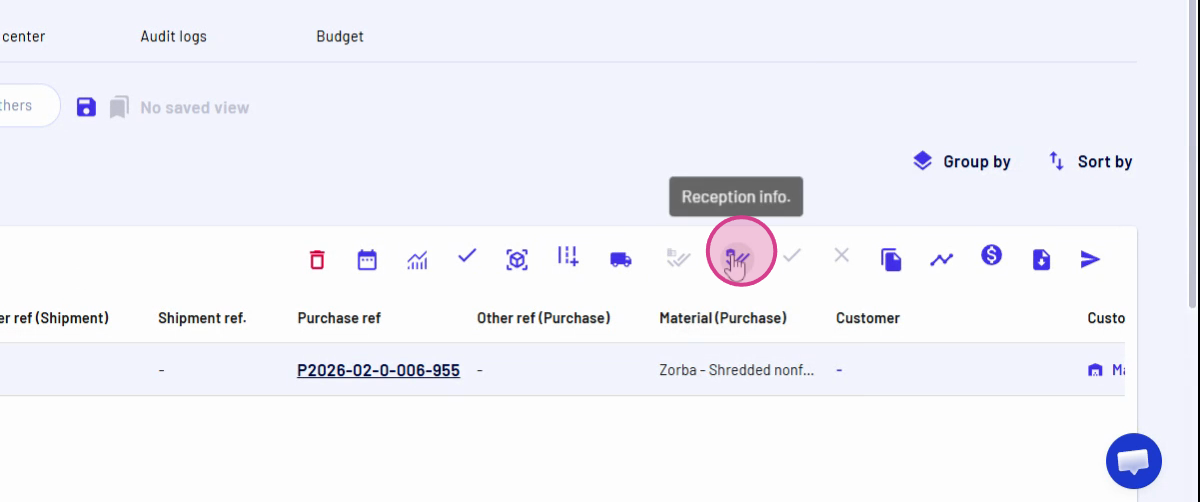
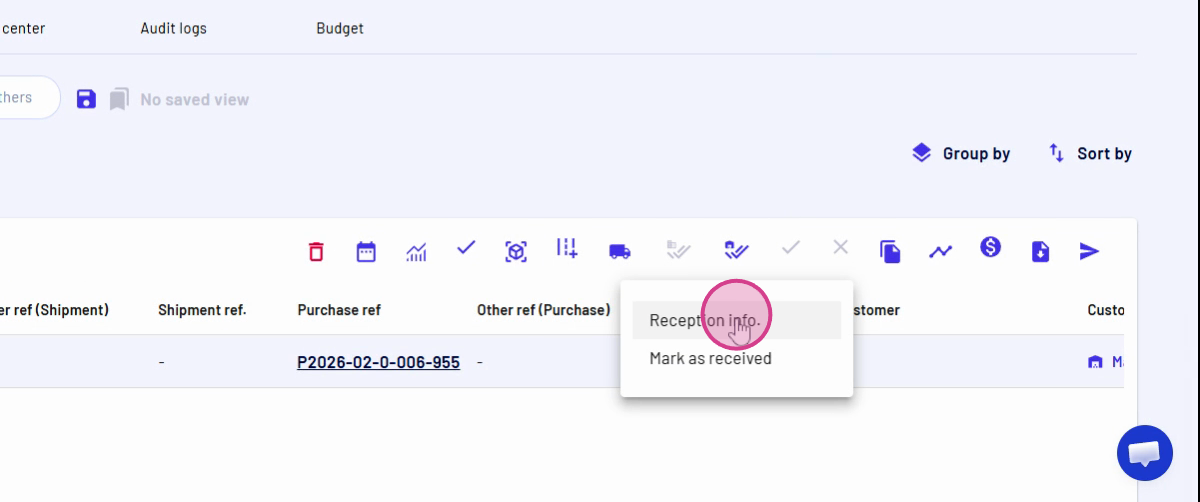
Step 8: Open Reception Information. This fetches your loaded data (fifteen metric tons of Zorba).
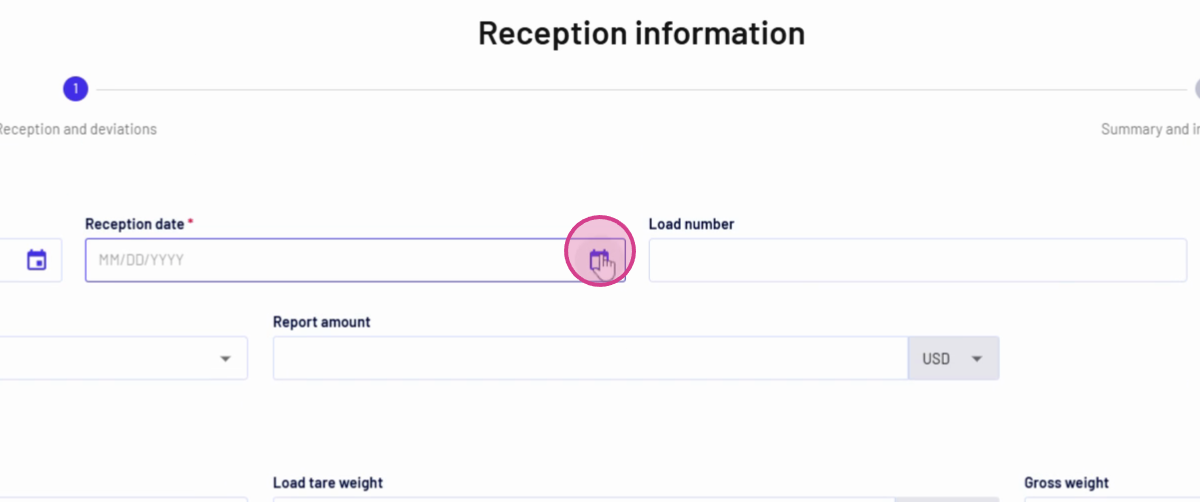
Step 9: Enter the Reception Date for accurate tracking.
Step 10: To split into multiple materials, add two rows of deviation.
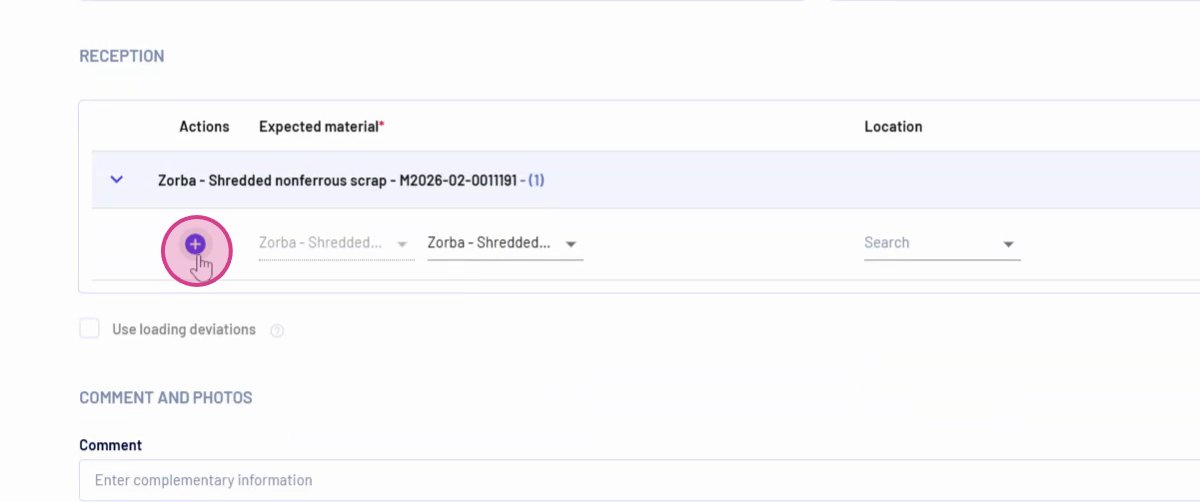
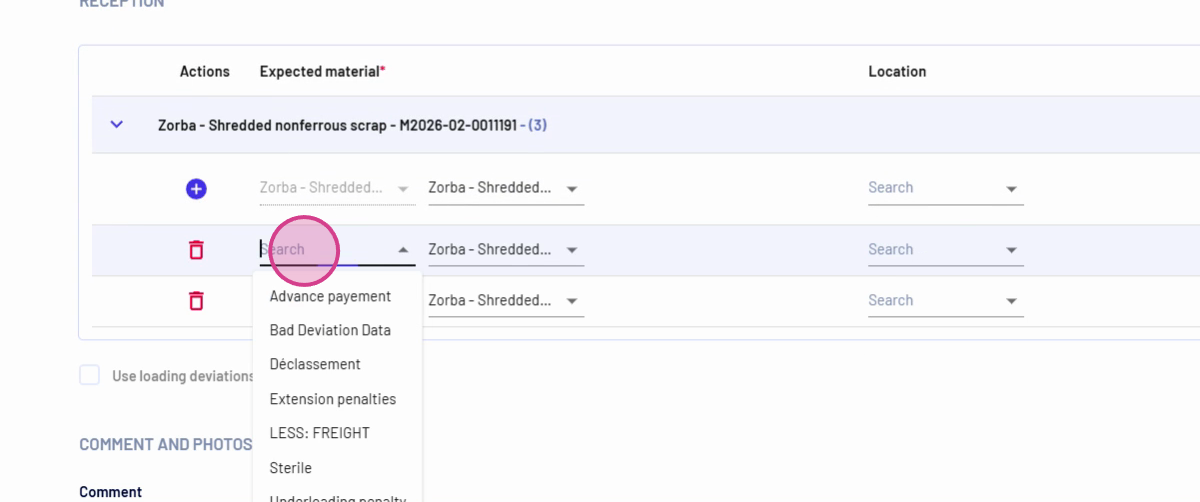
Step 11: For each deviation, select the deviation type (e.g., Unexpected) and assign the materials found during sorting, such as Aluminum and Copper.
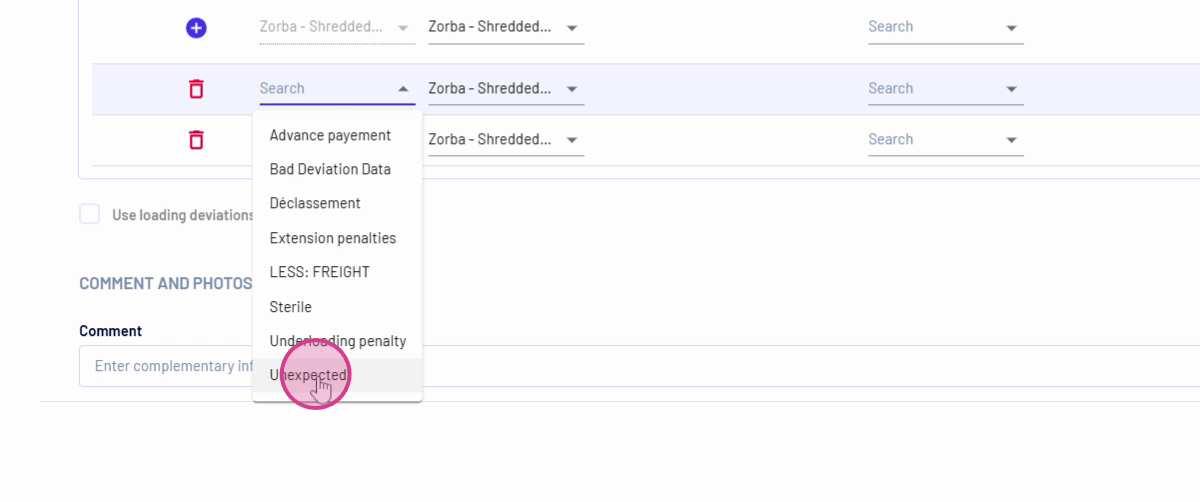
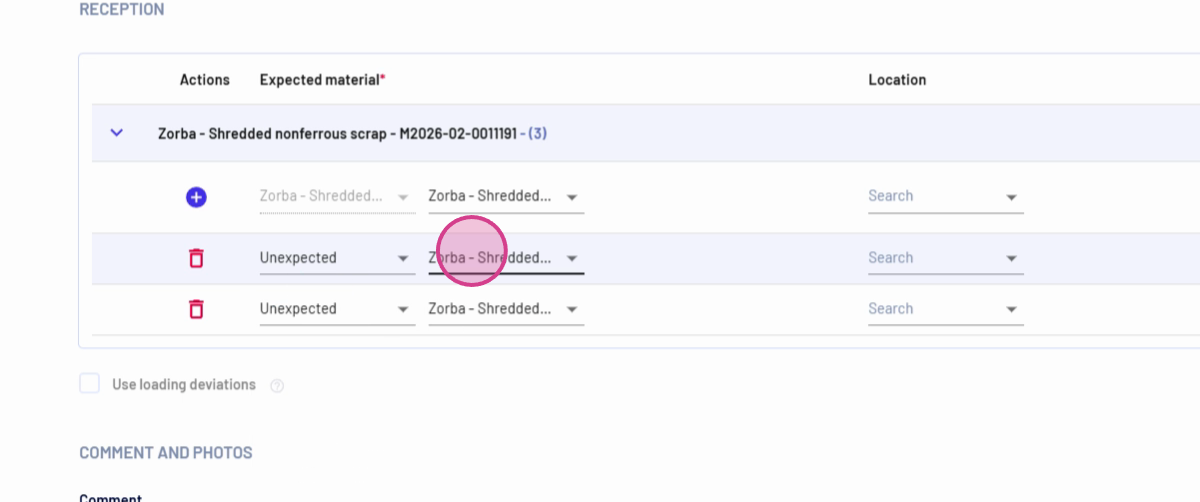
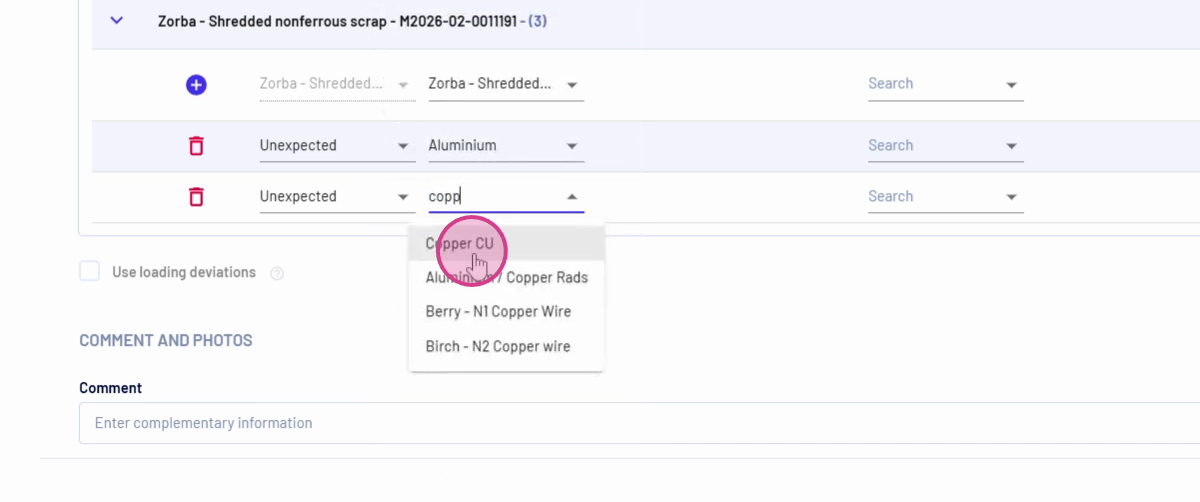
Step 12: Adjust the net weights: reduce Zorba’s net weight to zero, then specify quantities (for example, ten tons of aluminum, five tons of copper).
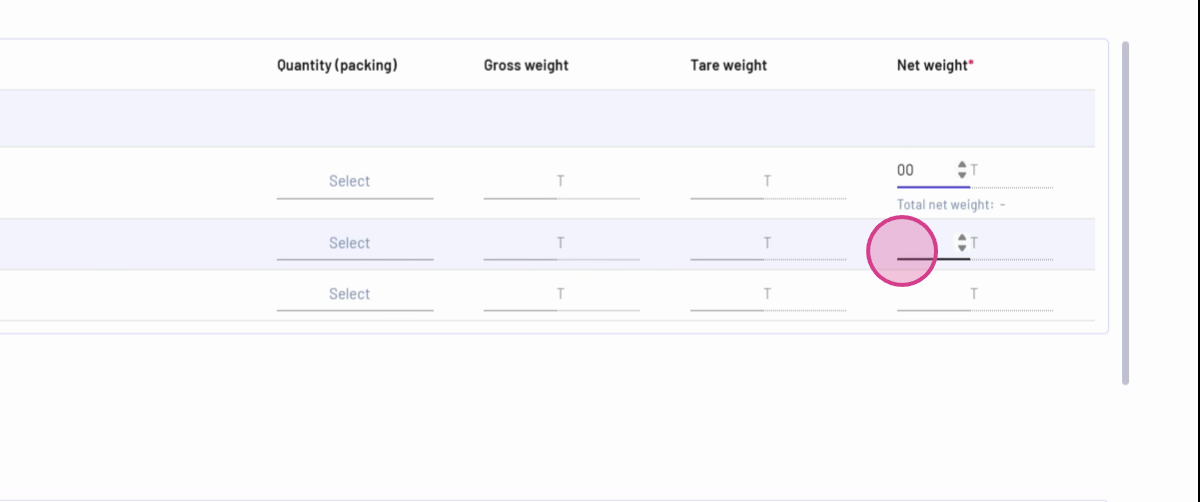
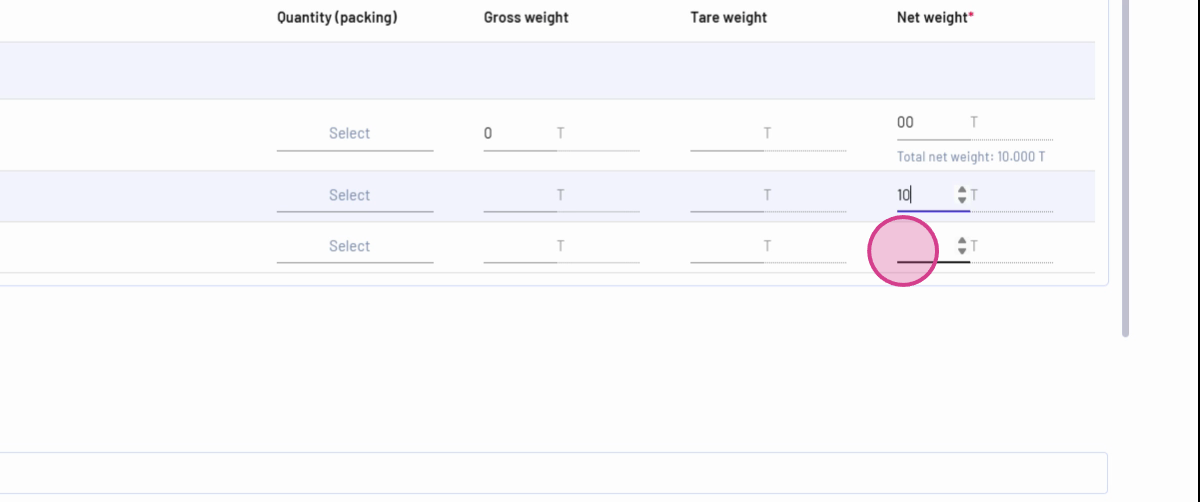
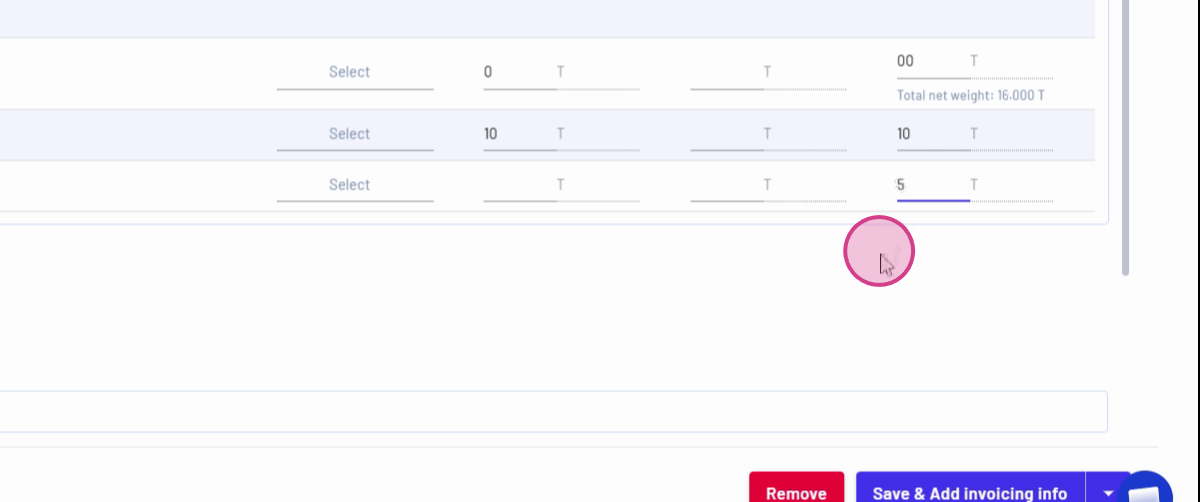
Step 13: Click Save to record the reception and the split material information.
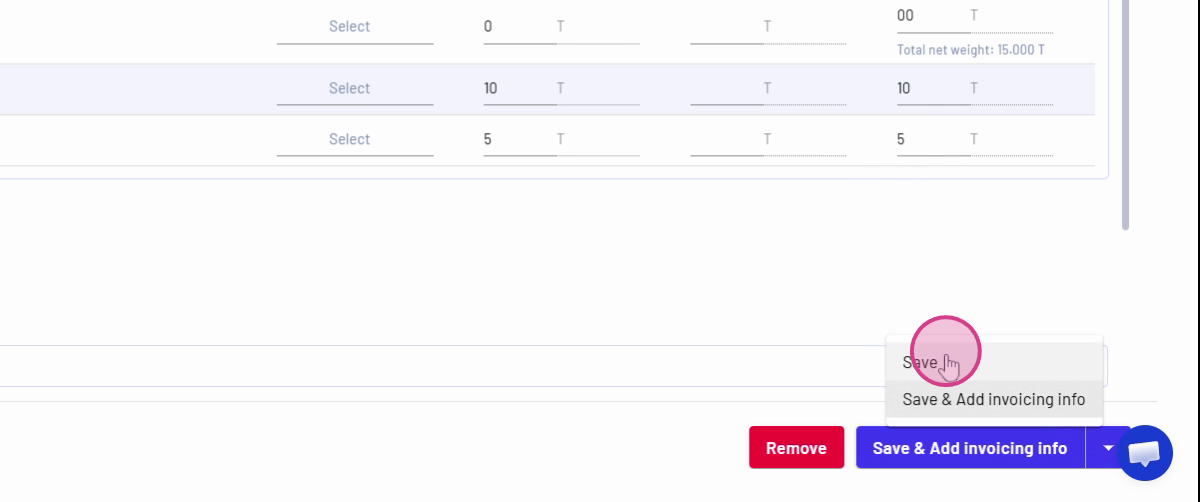
Step 14: Go to your Warehouse and filter for recent entries to see the sorted and registered materials.
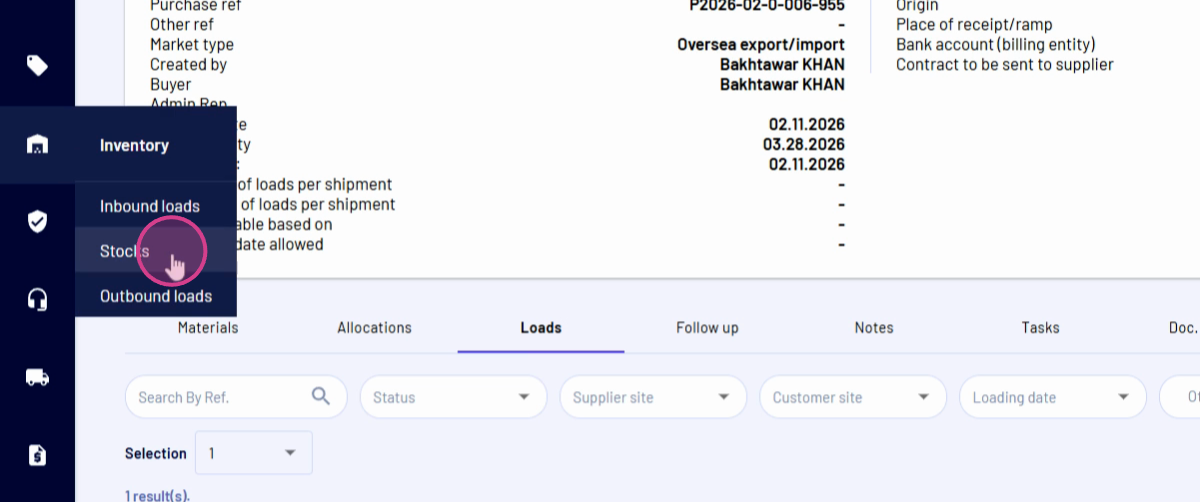
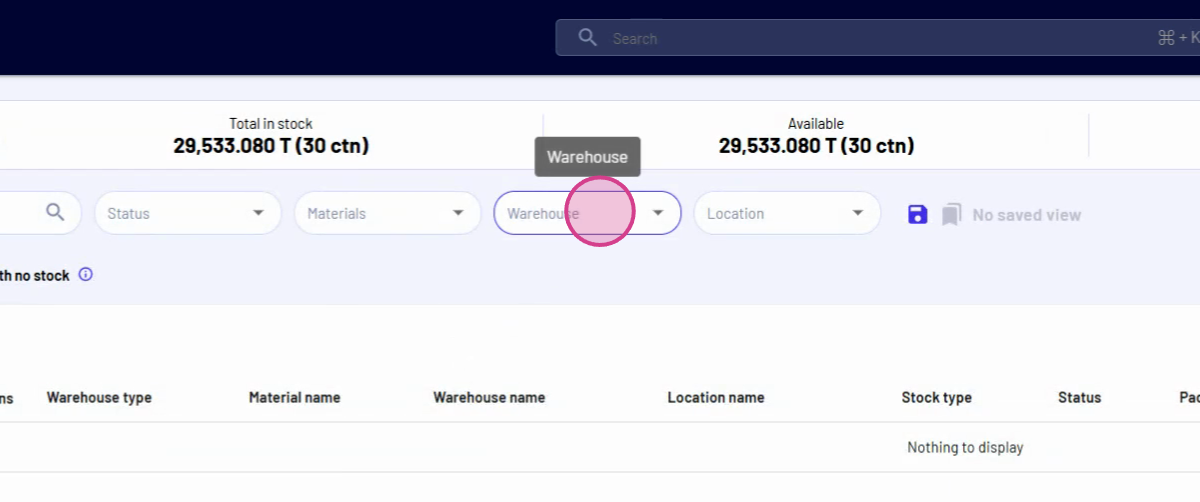
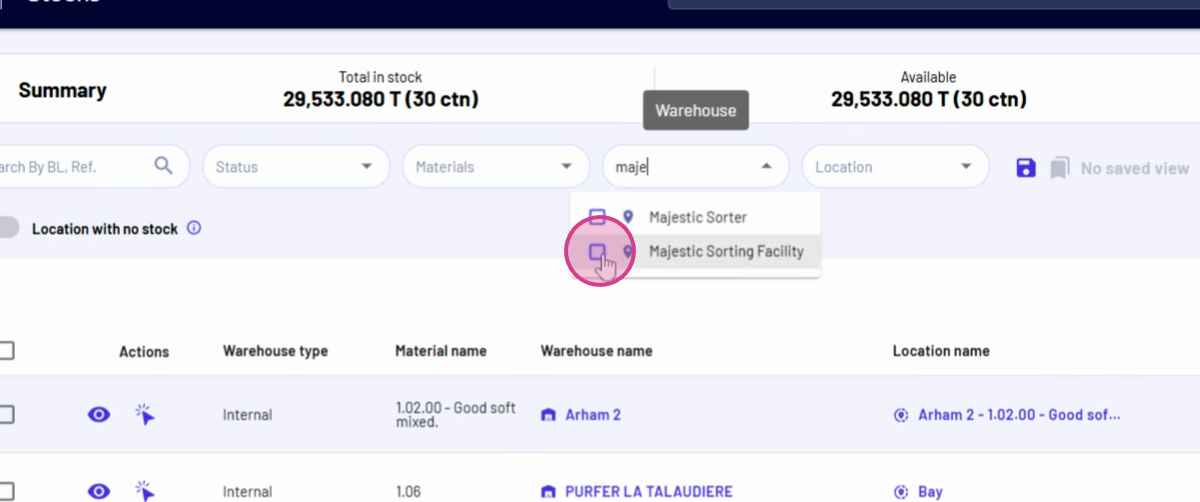
Step 15: Verify the new material stocks (e.g., ten tons of aluminum, five tons of copper from the original Zorba load).
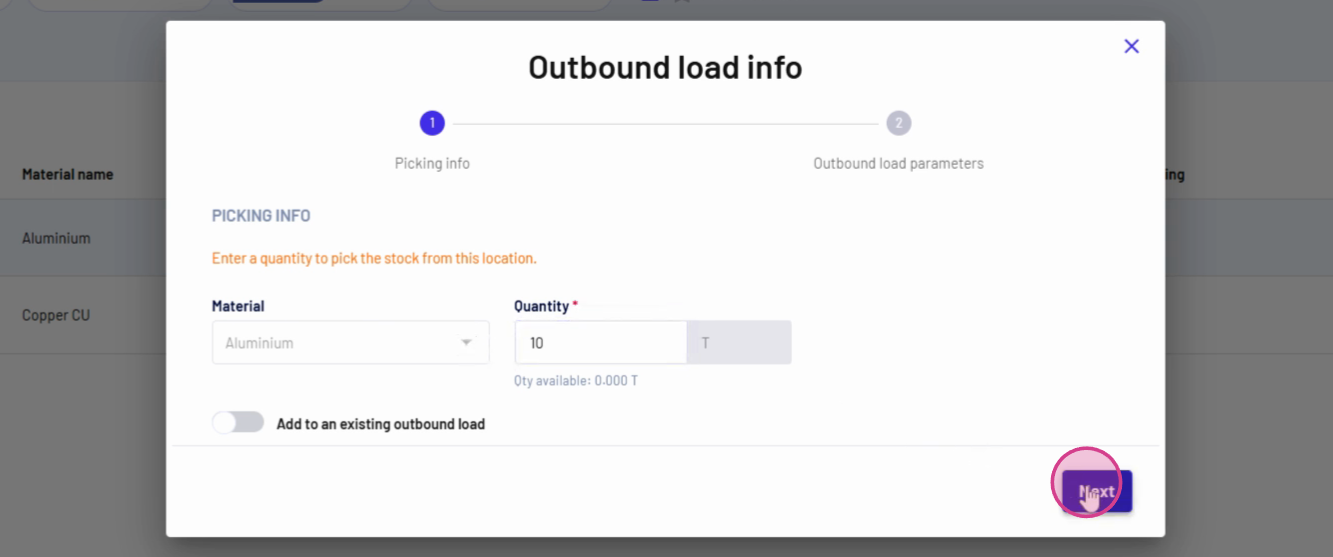
Step 16: To create an outbound load, select the desired material and quantity using Pick and Material.
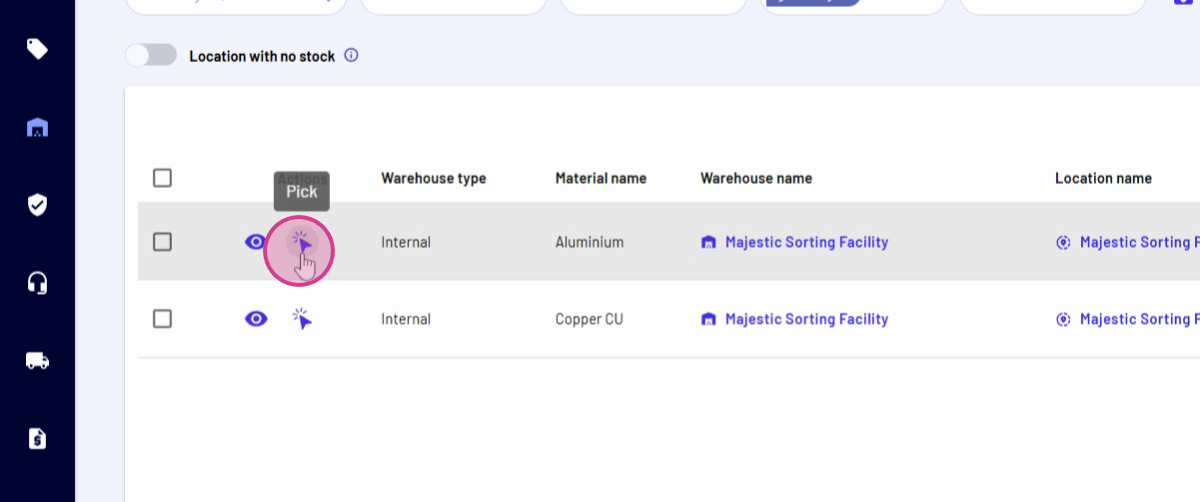
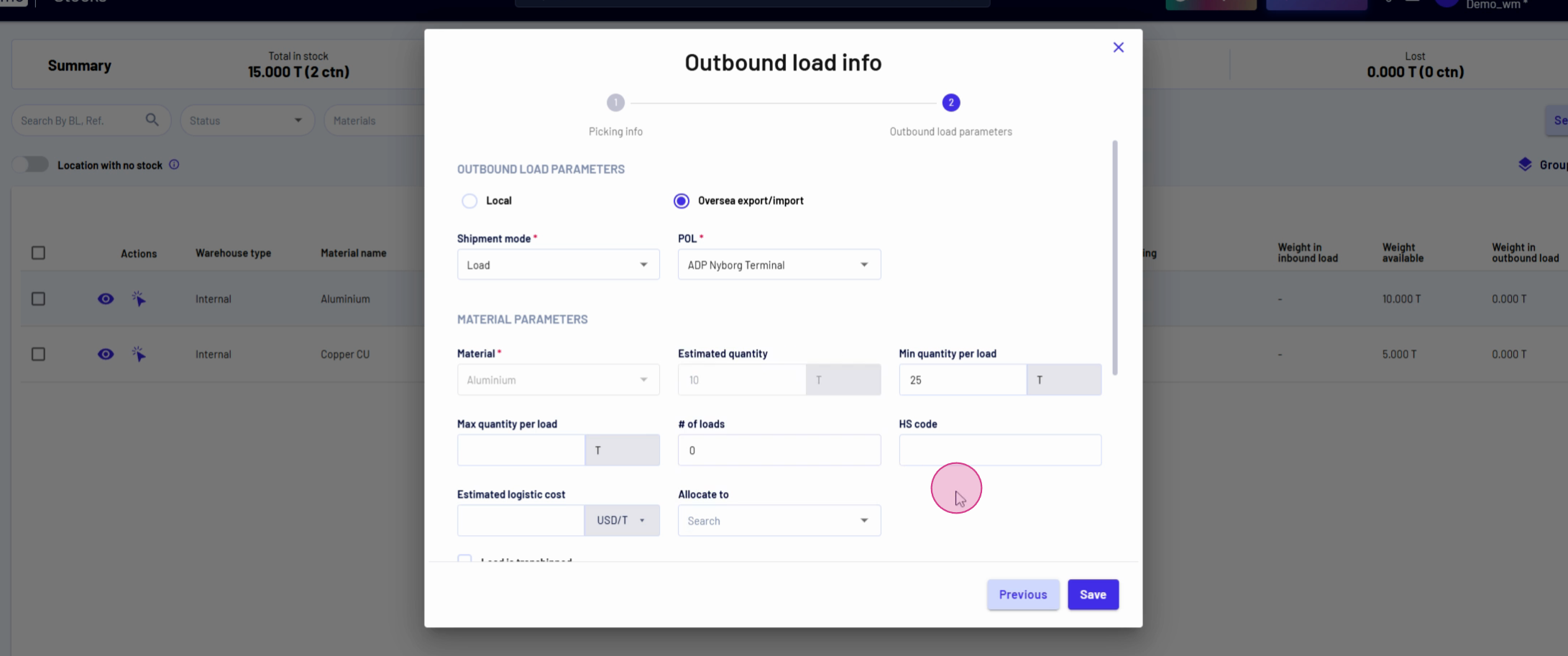
Step 17: Click Next, continue to Create Outbound Load, select the loading portal, and confirm the material is pre-selected.
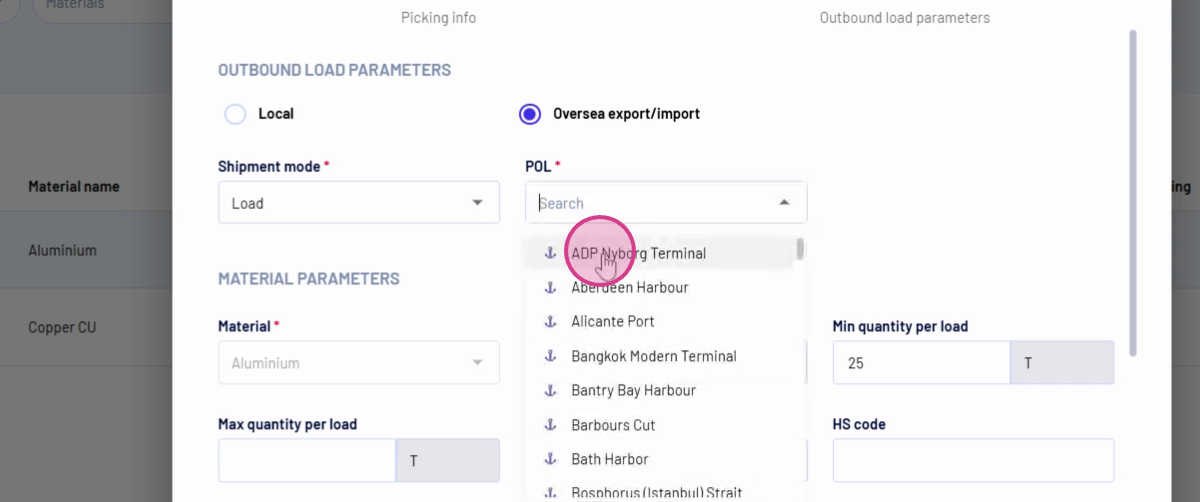
Step 18: Allocate the load directly to a sale if needed, or simply finalize the outbound load for future action.
Splitting incoming materials in the sorting facility ensures accurate inventory records and easy outbound logistics. By following these steps, you manage the full material journey with clarity and control, all within your warehouse management system.
Updated on: 11/02/2026
Thank you!