I can record daily loaded and offloaded quantities
This tutorial shows how to record daily loaded and offloaded quantities for your holds, ensuring accurate tracking of commodities throughout the process.
Step 1: Start by viewing a hold that includes multiple commodities.
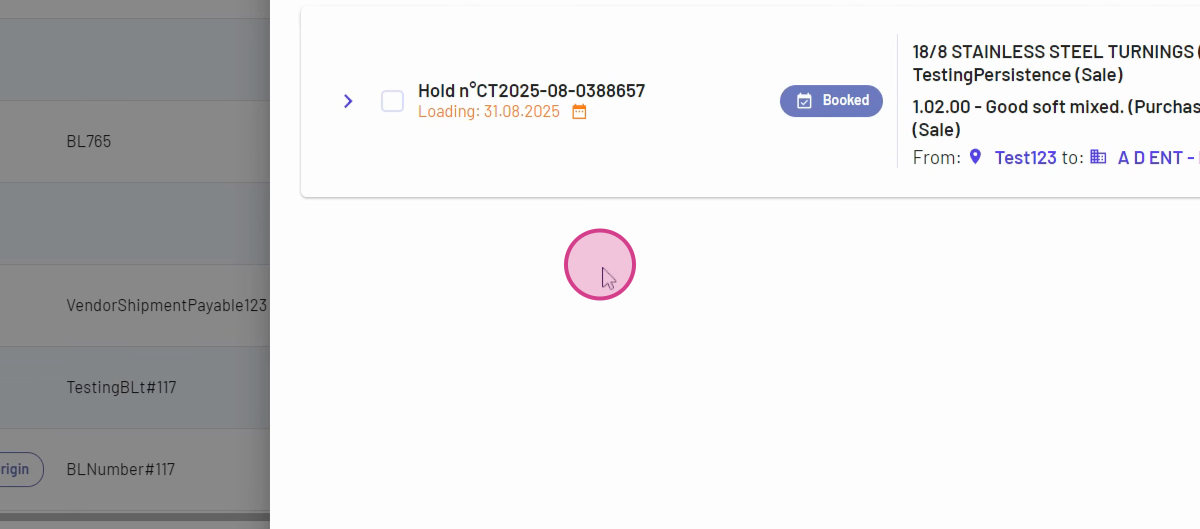
Step 2: Select the hold from your sales and purchase list or the holds page.
Step 3: Click loading information to access the loading details.
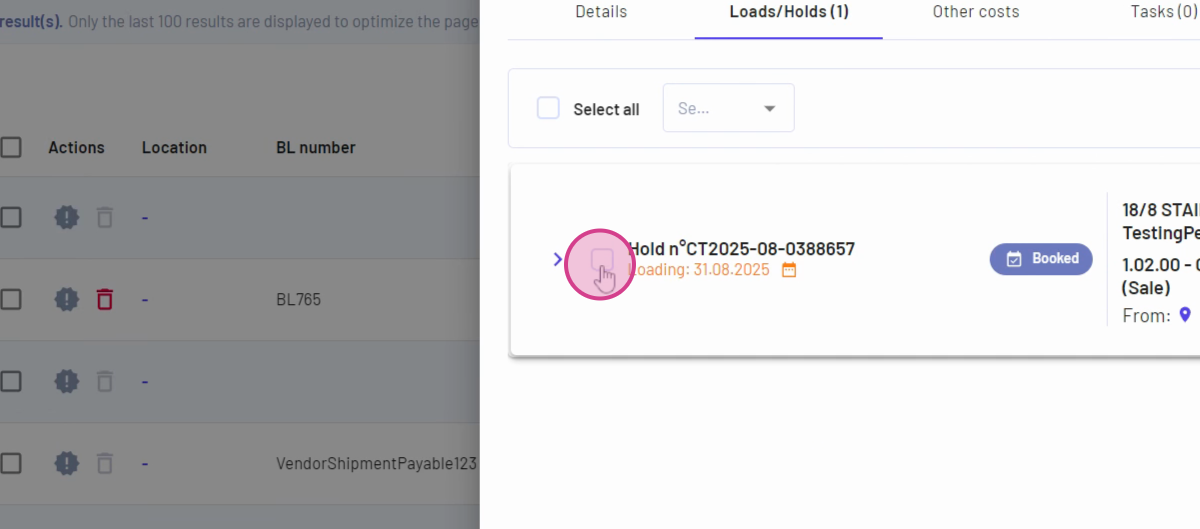
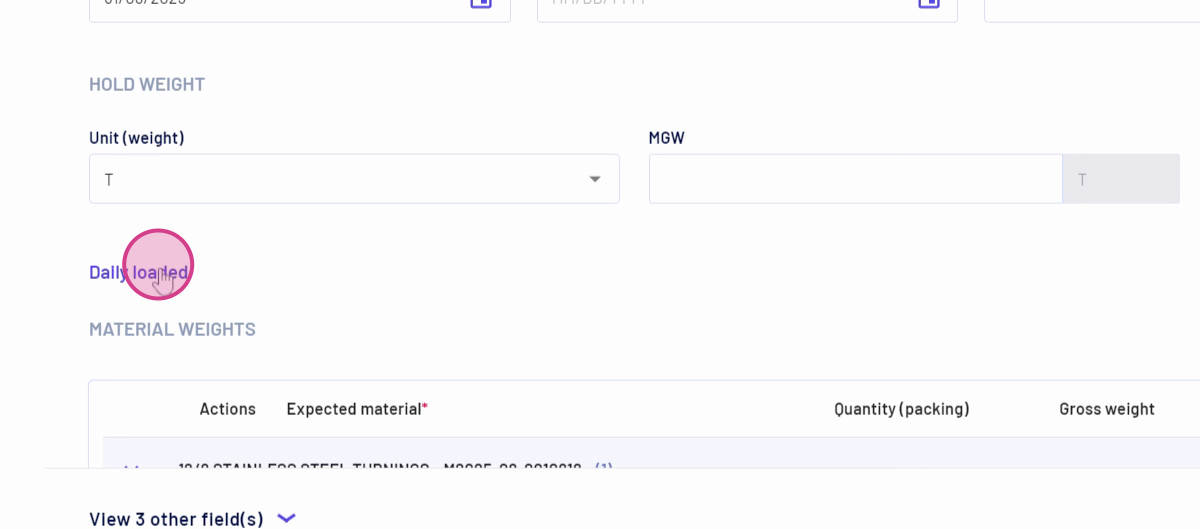
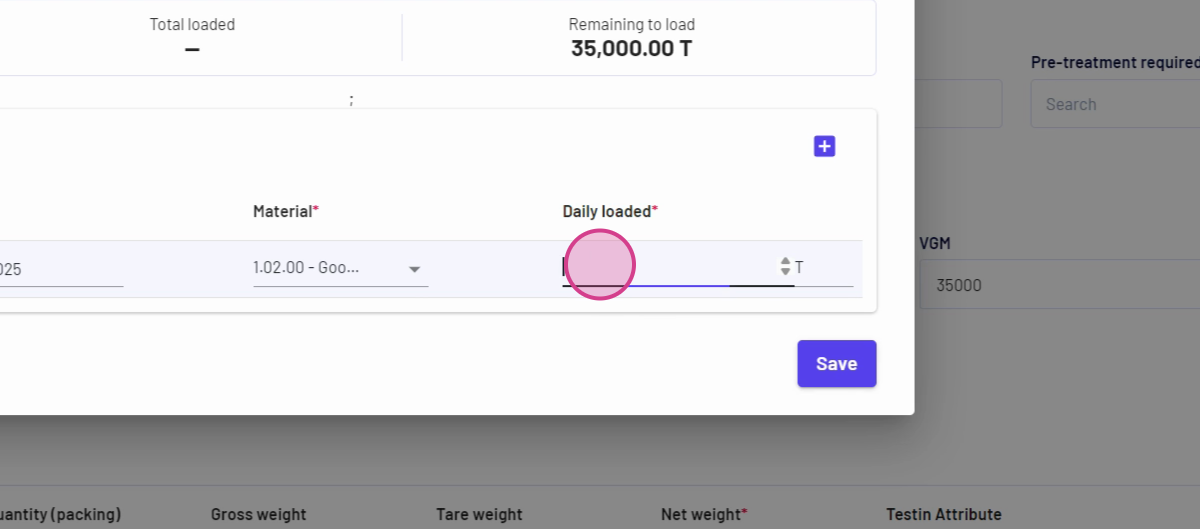
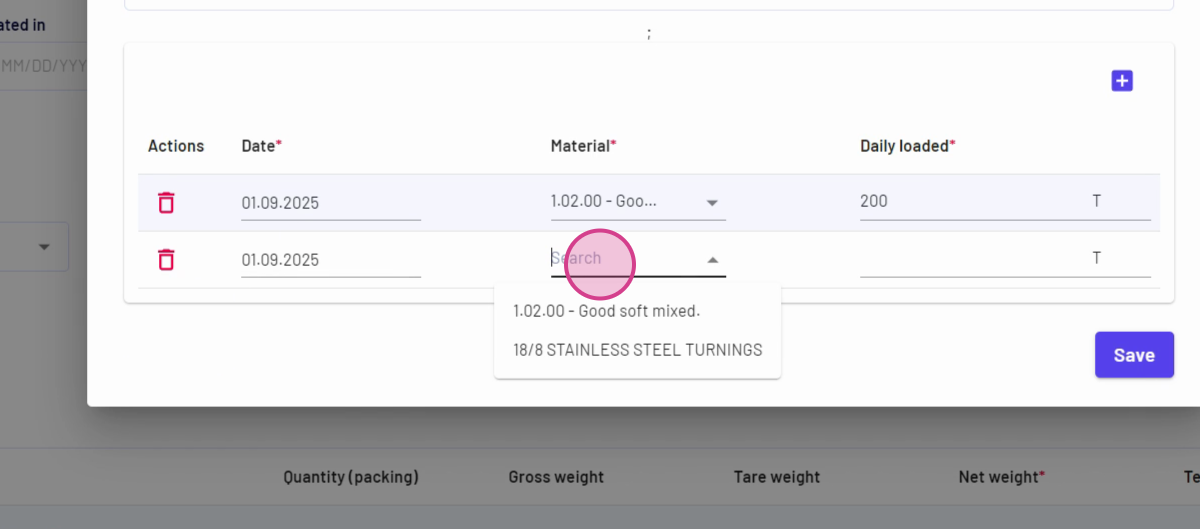
Step 4: Find the daily loaded option. If the hold contains a single commodity, the material auto-fills; for multiple commodities, select the relevant material.
Step 5: Enter the daily loaded quantity (for example, 200), then review as the KPI at the top updates automatically.
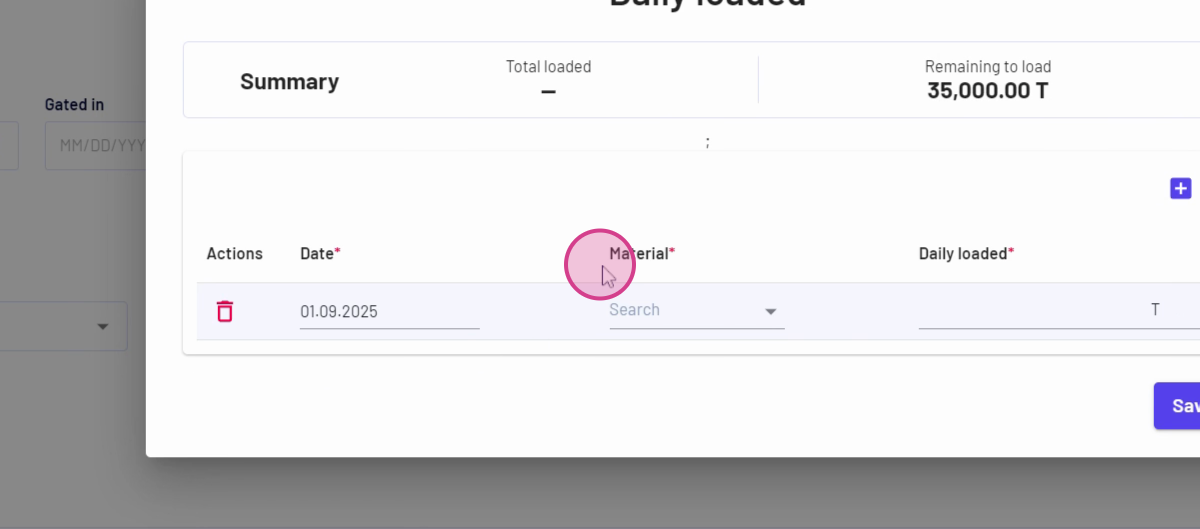
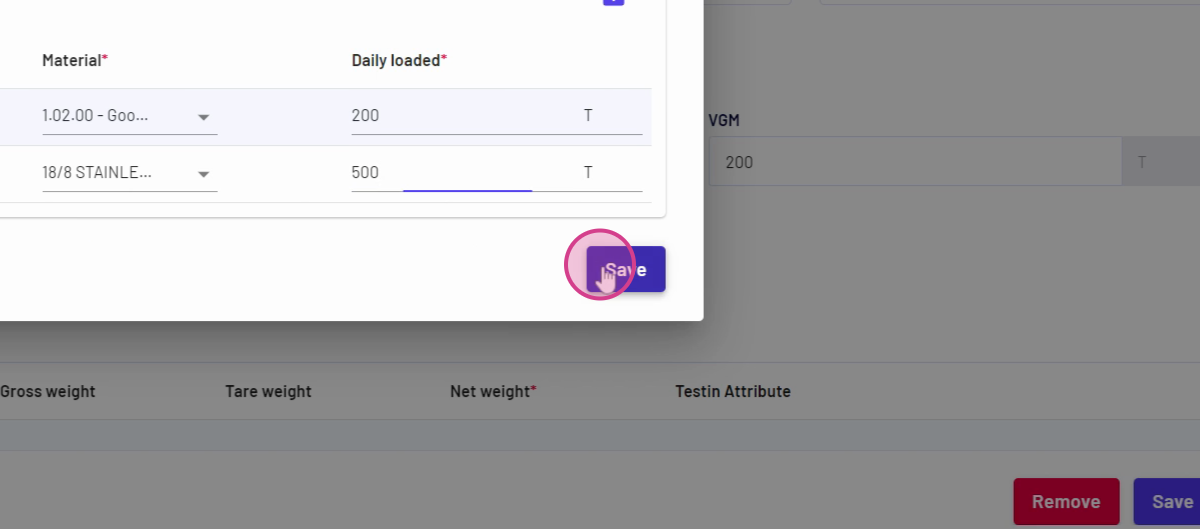
Step 6: Click Save to record the loaded quantity.
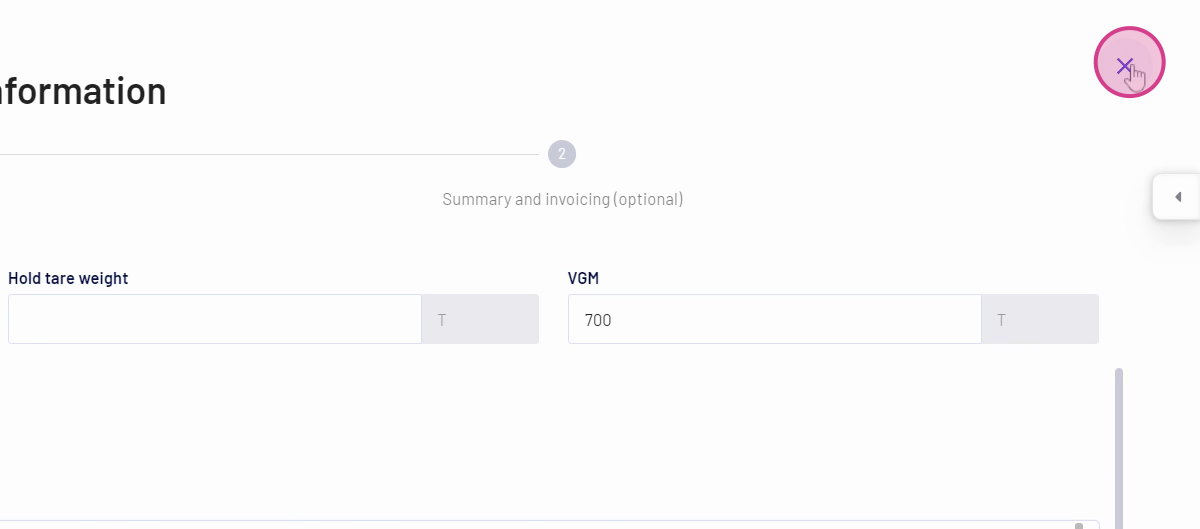
Step 7: To log additional entries, repeat the process for each new loading record. The details update after each entry, and all records appear in the loading information.
Step 8: To record daily offloaded quantities, select your hold and click delivery information.
Updated on: 31/08/2025
Thank you!